


Little Beaver Image Editor
Batch convert, resize, crop and cut out backgrounds — offline.
From a script to a finished film, end to end on one PC.
A local Windows production tool for AI animated mini-series: import a script or co-write it with a model, auto-split into episodes, beats and shot lists, then generate and review each shot in the production workbench before composing an MP4. Scripts, characters, jobs and films stay on your own machine — only generation prompts are sent to the AI service you configure.
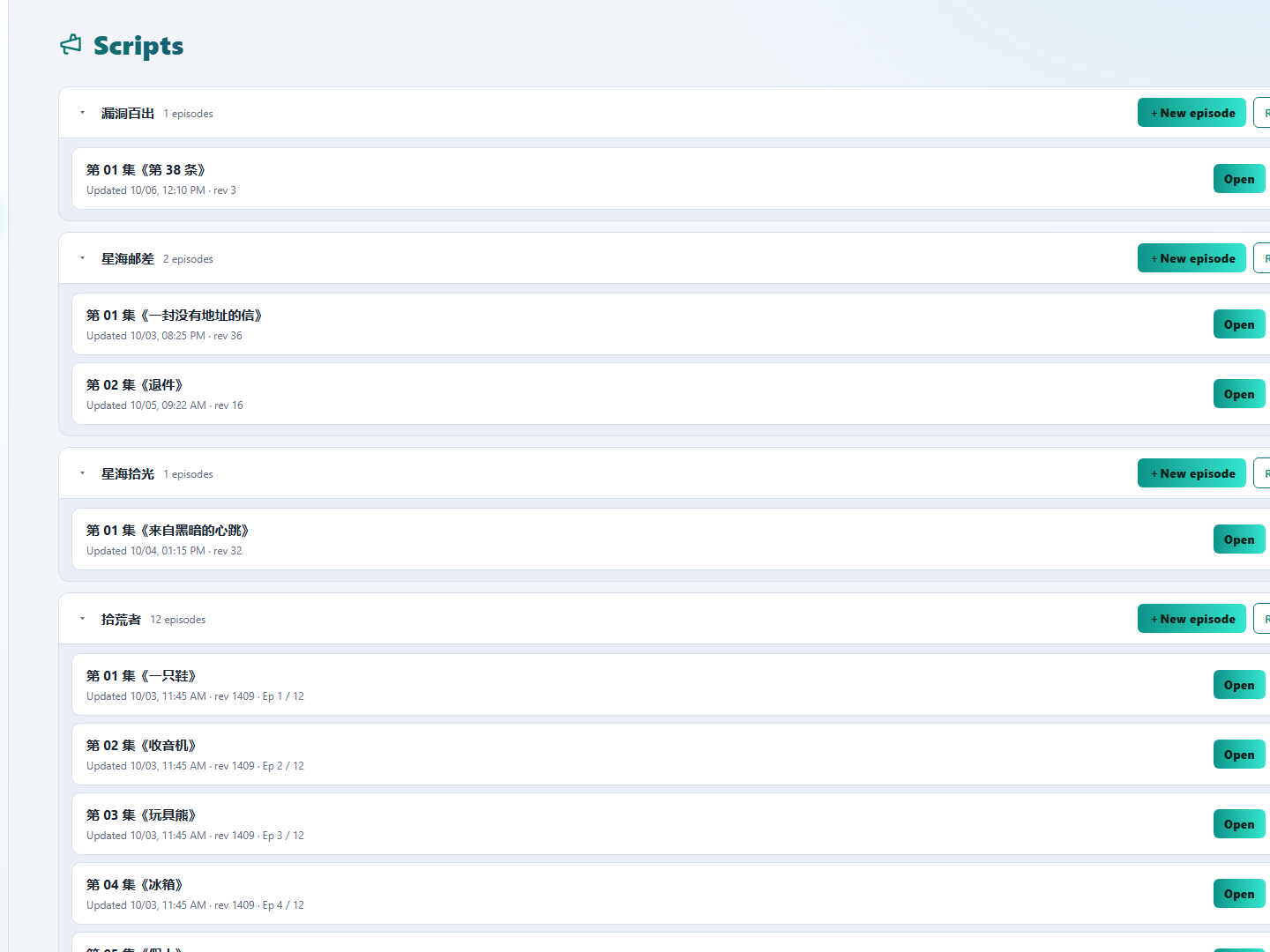
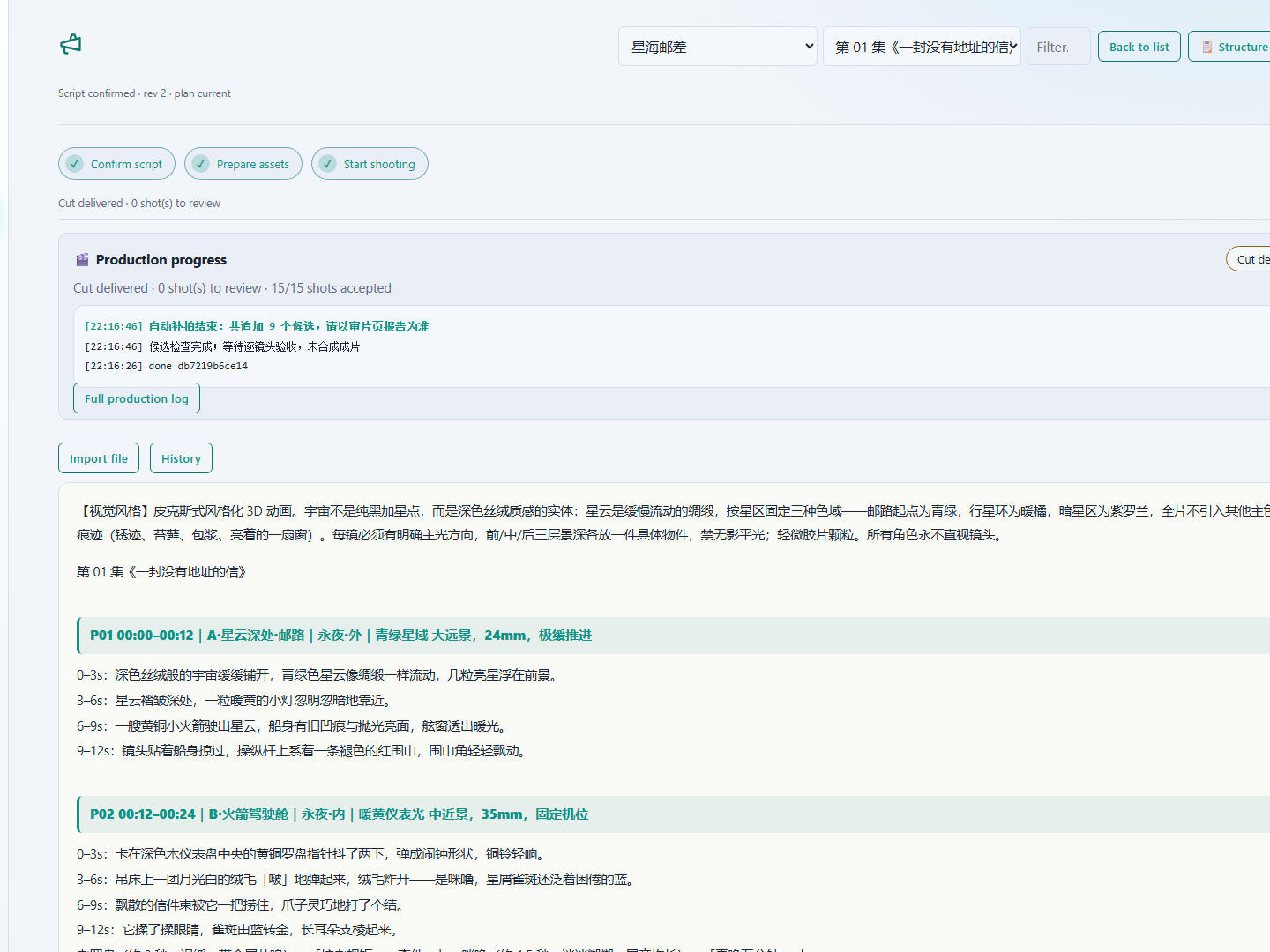
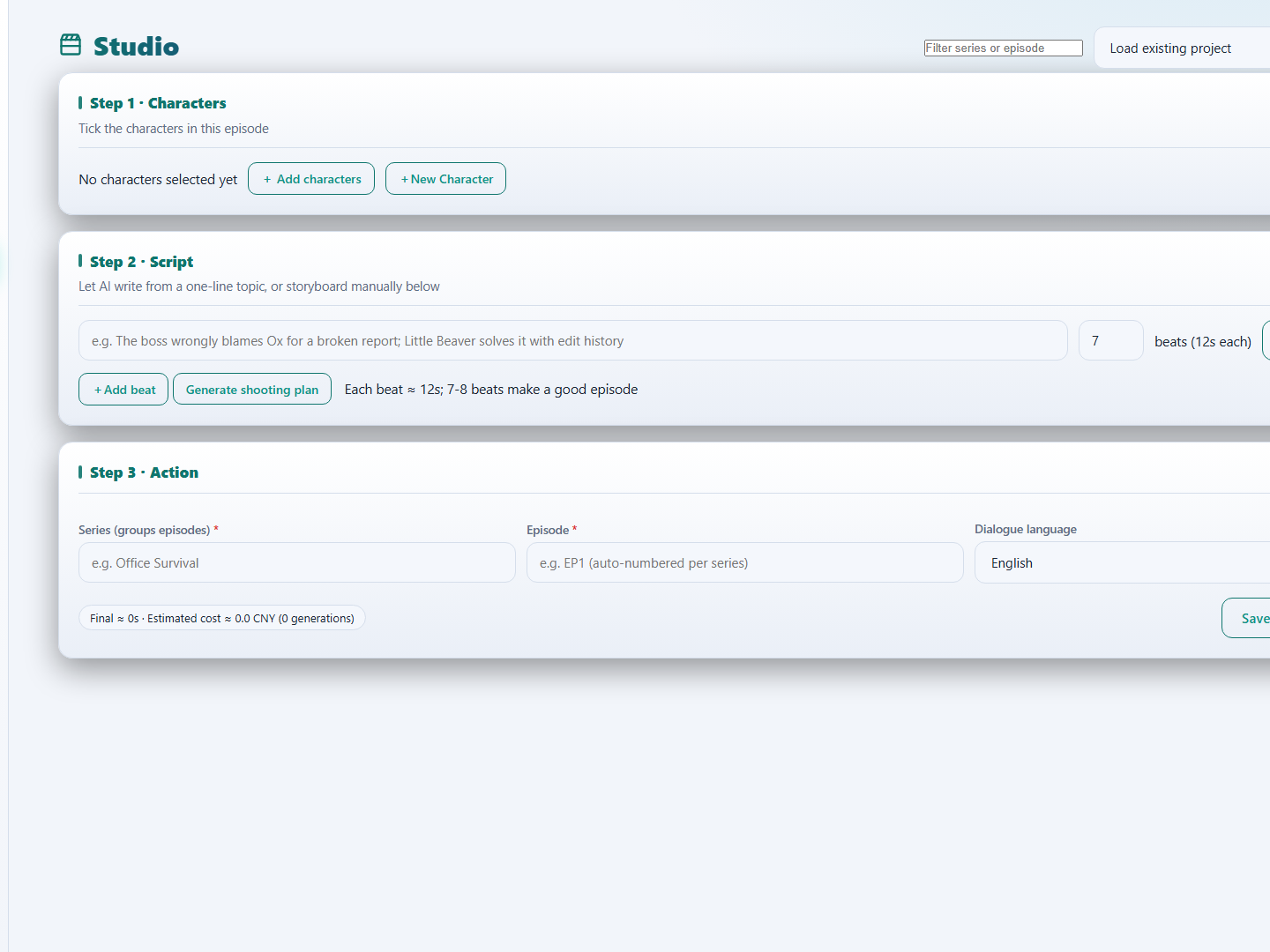
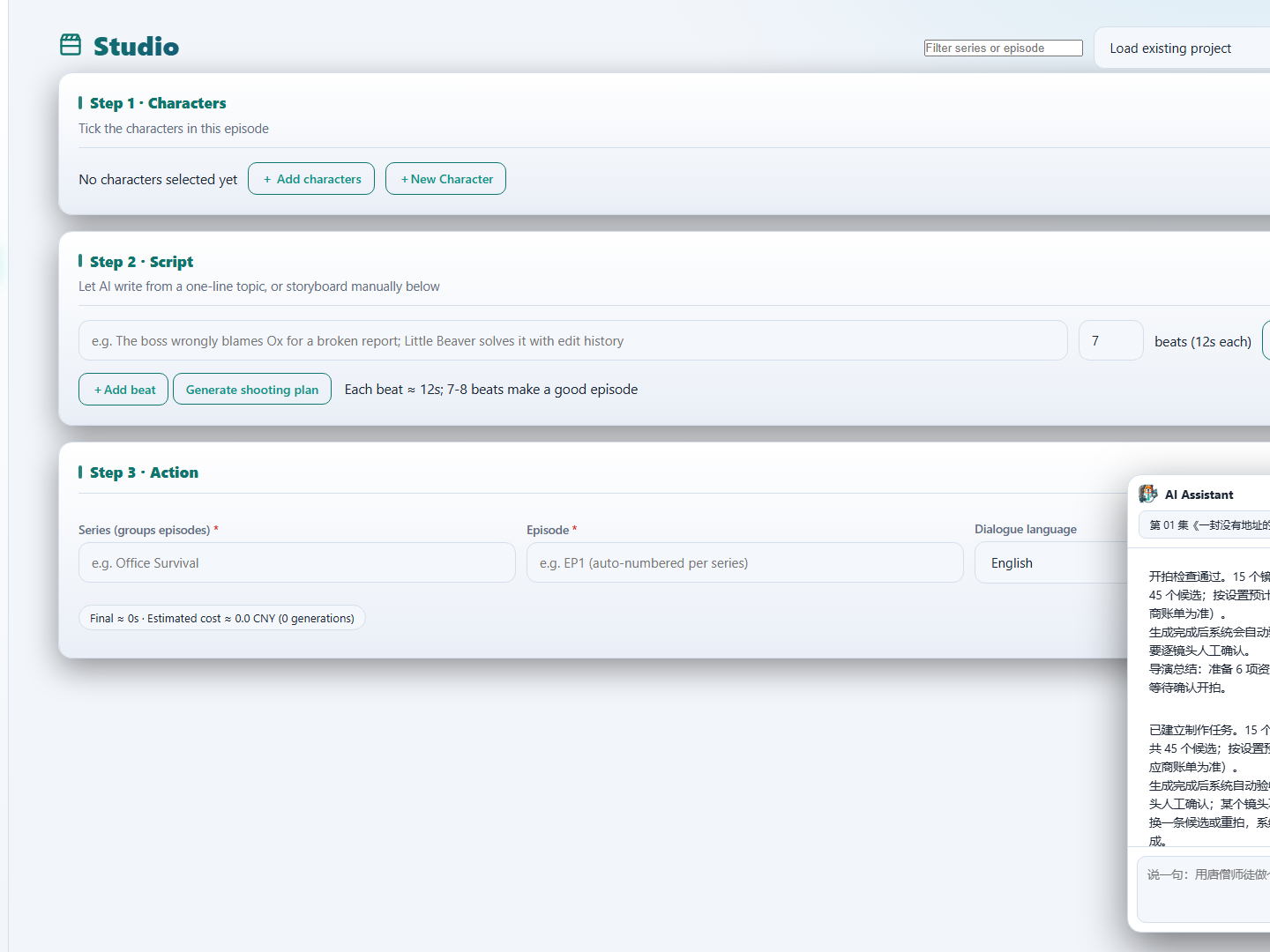
Import an existing script or co-write with a model; auto-split into episodes, beats and shots, in an editable beat-formatted view.
One series can hold a dozen-plus episodes, grouped by title, each edited and started independently.
Generate beauty-shot, prop and scene reference images. Registered appearance descriptions plus reference shots constrain the whole series and reduce drift between shots.
The docked assistant writes script changes, creates assets, starts production — and after the cut, tells you exactly which shot it would redo.
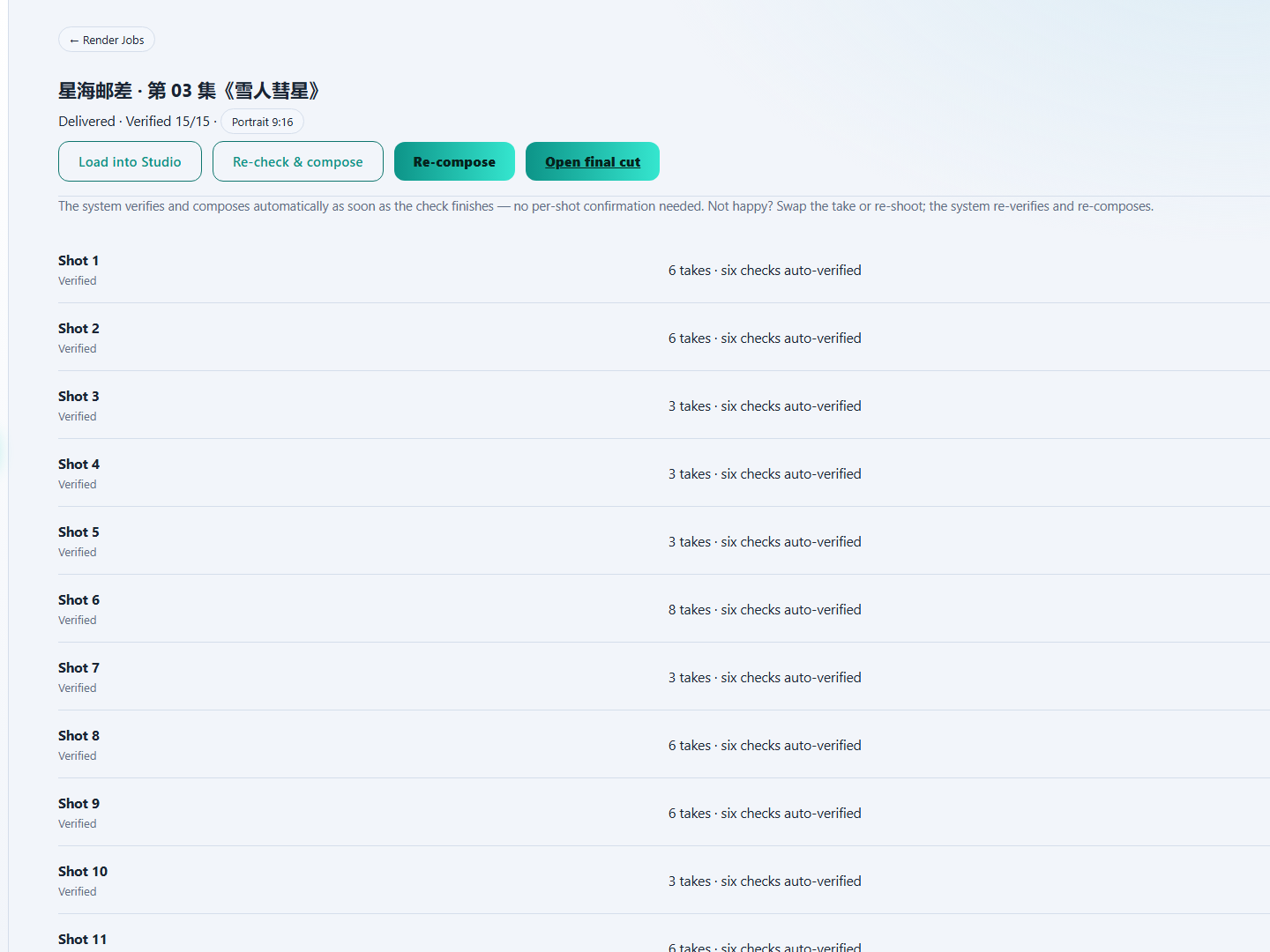
When one shot in a finished film isn't right, re-shoot that shot alone rather than the whole episode.
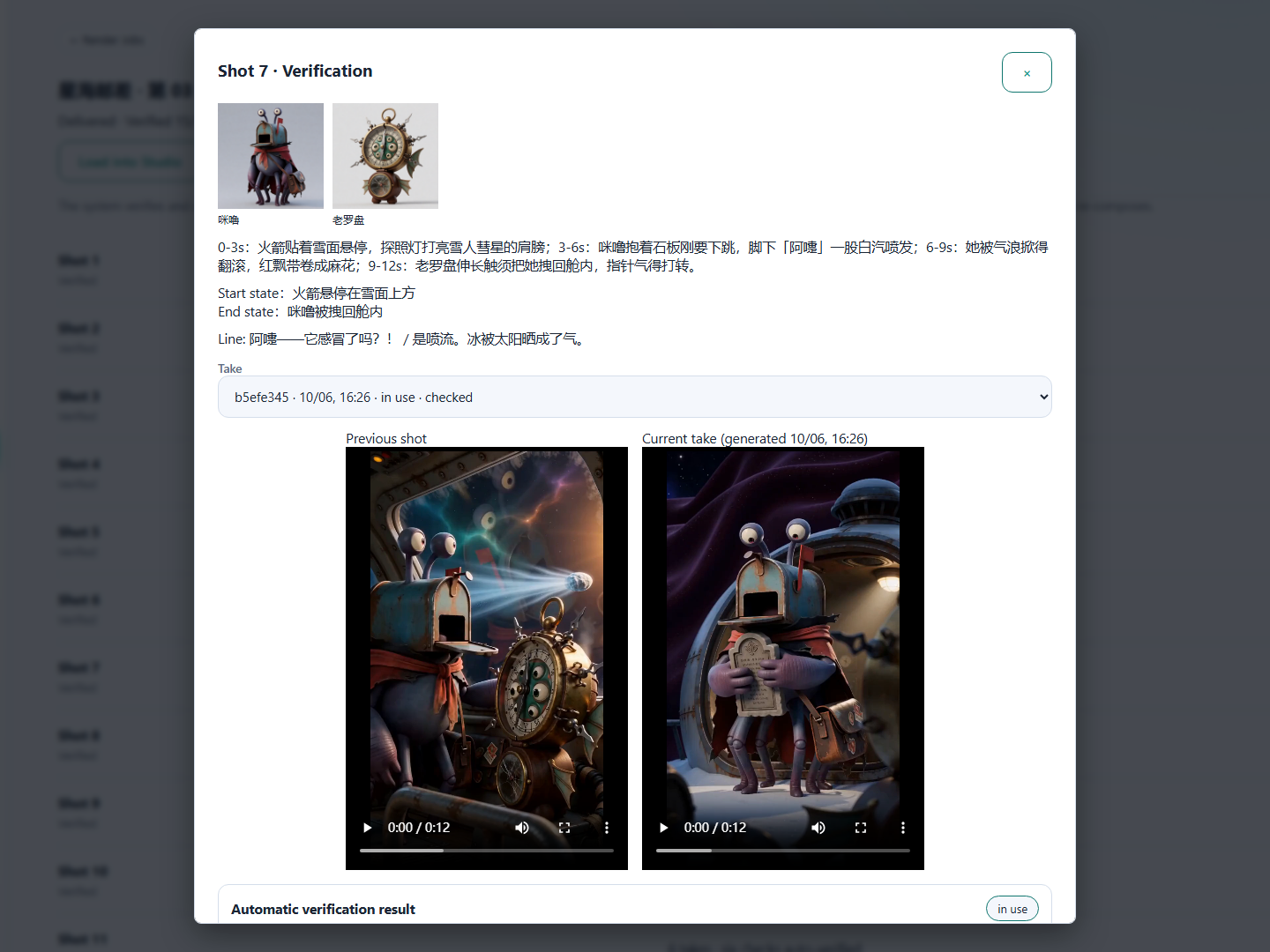
Every shot is scored across scene consistency, dialogue match, lip sync and more. The score is evidence, not a verdict — you still watch and listen before confirming.
Once every shot passes, the film is assembled automatically with optional title and end cards, exported as a standard MP4.
Scripts, characters, source media, jobs and finished films are all stored locally and are never uploaded. The only network activity is content generation: prompts are sent to the AI service you enter in Settings (by default provided by the Agnes platform; usage is billed by your own account). With no service configured you can still edit and save scripts manually, but cannot generate picture.
Yes. Picture and dialogue generation run through the AI service you configure in Settings. Your platform account is billed directly — the app never resells or resubscribes usage.
No. Scripts, reference images, source media and finished films are written to a local data directory (the packaged build uses the system's local app-data folder). Only prompts in generation requests leave your machine.
The dialogue text is written straight into the prompt, so lip movement and voice are produced together by the video model. There is no second-pass TTS dub and no separately looped background audio.
It can't, and it isn't meant to. Automatic scoring is only one piece of evidence; cross-shot continuity and audio still need your eyes and ears. The app stops wherever human sign-off is required.
The interface ships in ten languages (Chinese, English, Japanese, Korean, Spanish, French, German, Italian, Portuguese and Russian). Each project also picks its dialogue language from those ten, and prompt templates are paired per language.