



Little Beaver Video Generator
Turn slides, screenshots or a screen recording into a narrated video.

Batch convert, resize, crop and cut out backgrounds — offline.
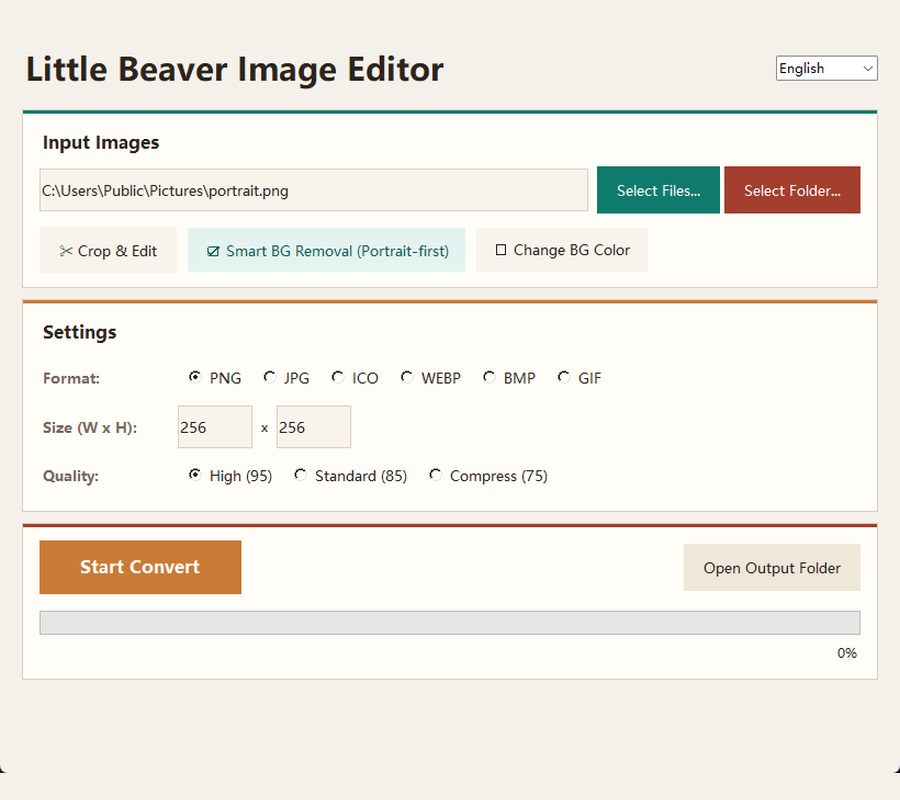
Built for the repetitive image work around a real job: converting a folder to another format, resizing to a fixed size, generating a multi-size .ico, cropping to a preset ratio, or removing a portrait background. The background-removal step can use a local AI model, and it degrades gracefully to an algorithmic method if you would rather not download it.
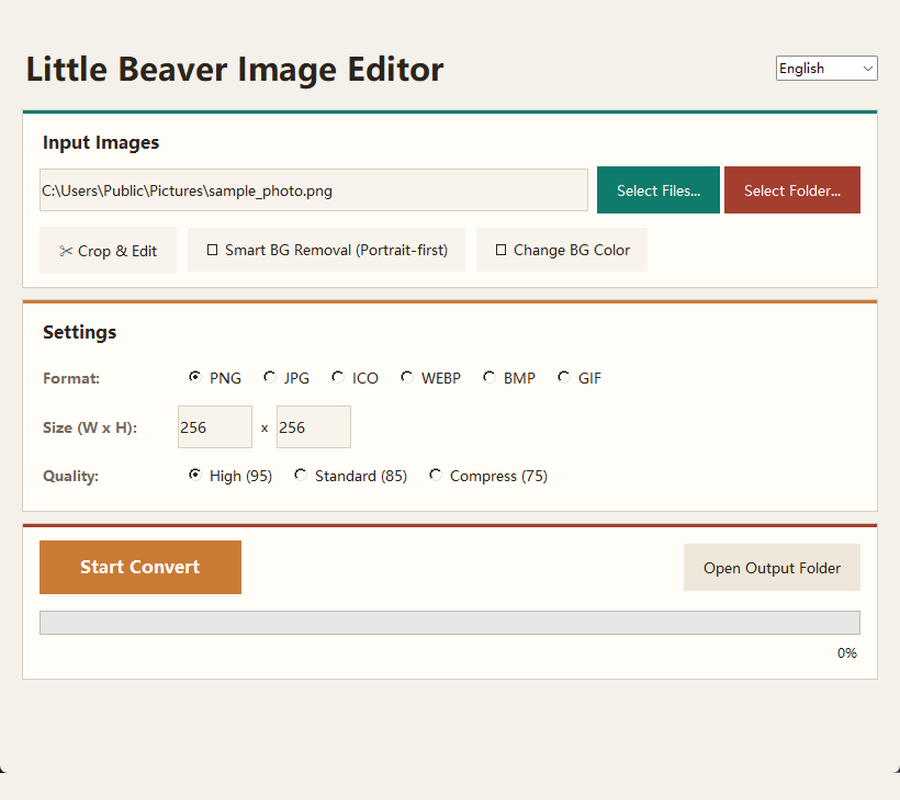
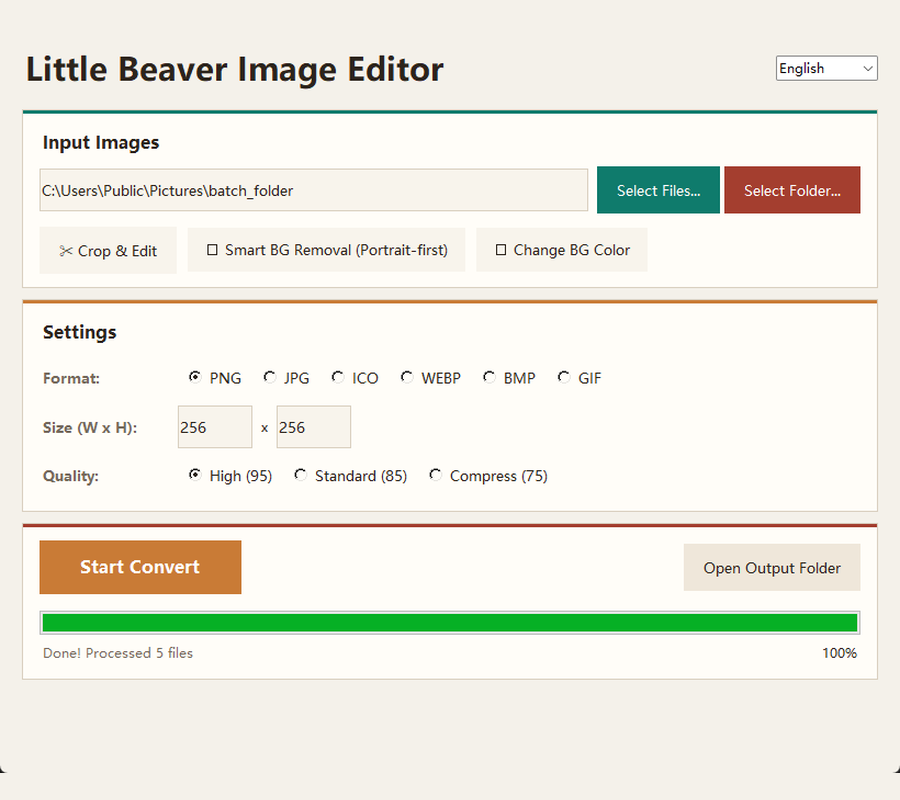
PNG, JPG, ICO, WebP, BMP and GIF in any direction, across a whole folder at once.
Set output width and height, and pick one of three quality levels for JPG and WebP.
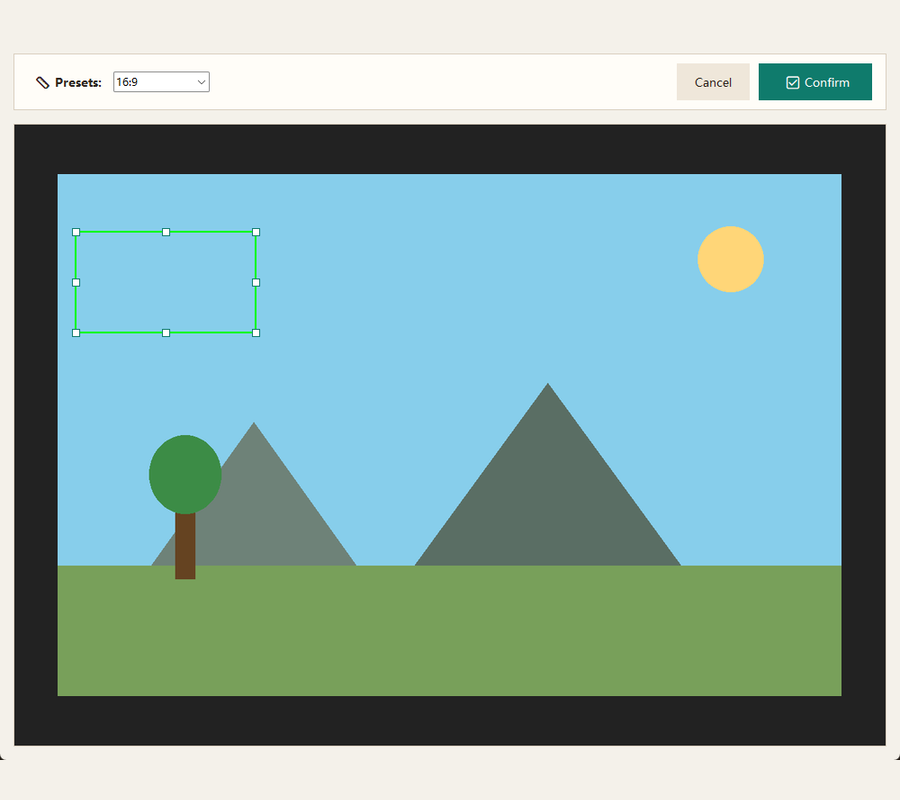
A dedicated crop window with free-form dragging and presets including 1:1, 4:3, 16:9, 512×512 and 1024×1024.
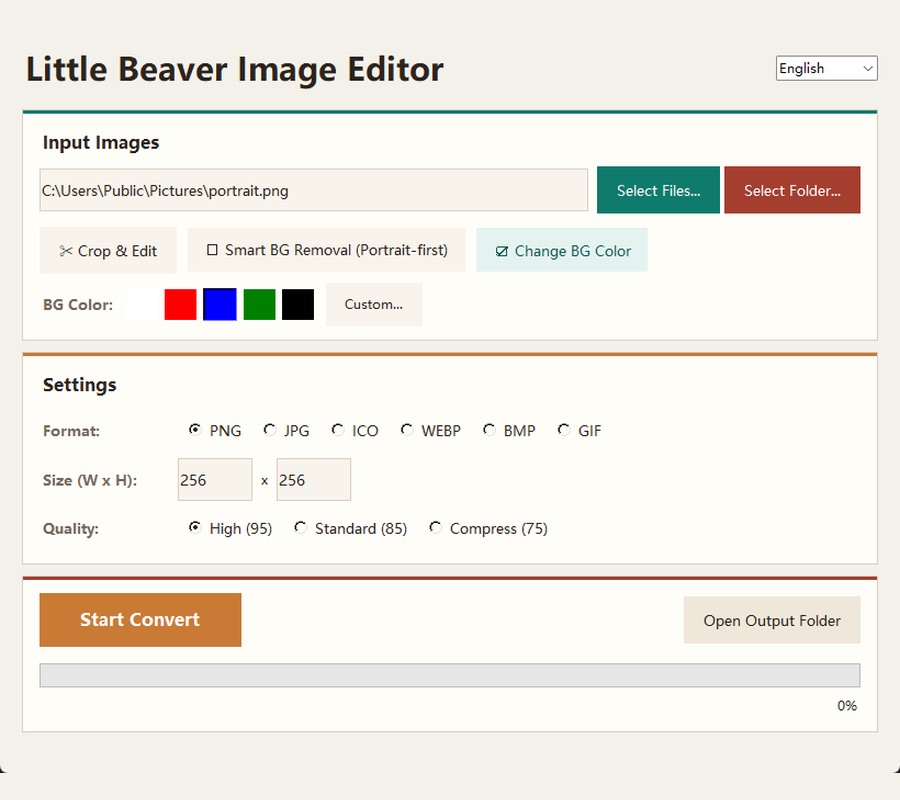
Cut out a subject or swap the backdrop for white, red, blue, green, black or a custom colour.
Produce a multi-resolution .ico from 16px to 256px, with sharpening applied to the small frames so they stay legible.
Images are processed on your machine and never uploaded. The one network action in the app is optional: the first time you use AI background removal it offers to download a local model file (about 168 MB) from GitHub. Decline it and the feature falls back to an algorithmic method that needs no download.