



Little Beaver Image Editor
Batch convert, resize, crop and cut out backgrounds — offline.

Turn slides, screenshots or a screen recording into a narrated video.
Two workflows: assemble images or PowerPoint slides into a narrated video, or take an existing screen recording and add narration and captions segment by segment. Narration uses Microsoft's neural voices across several languages, with an automatic speed-fit mode that matches each segment to your target duration.
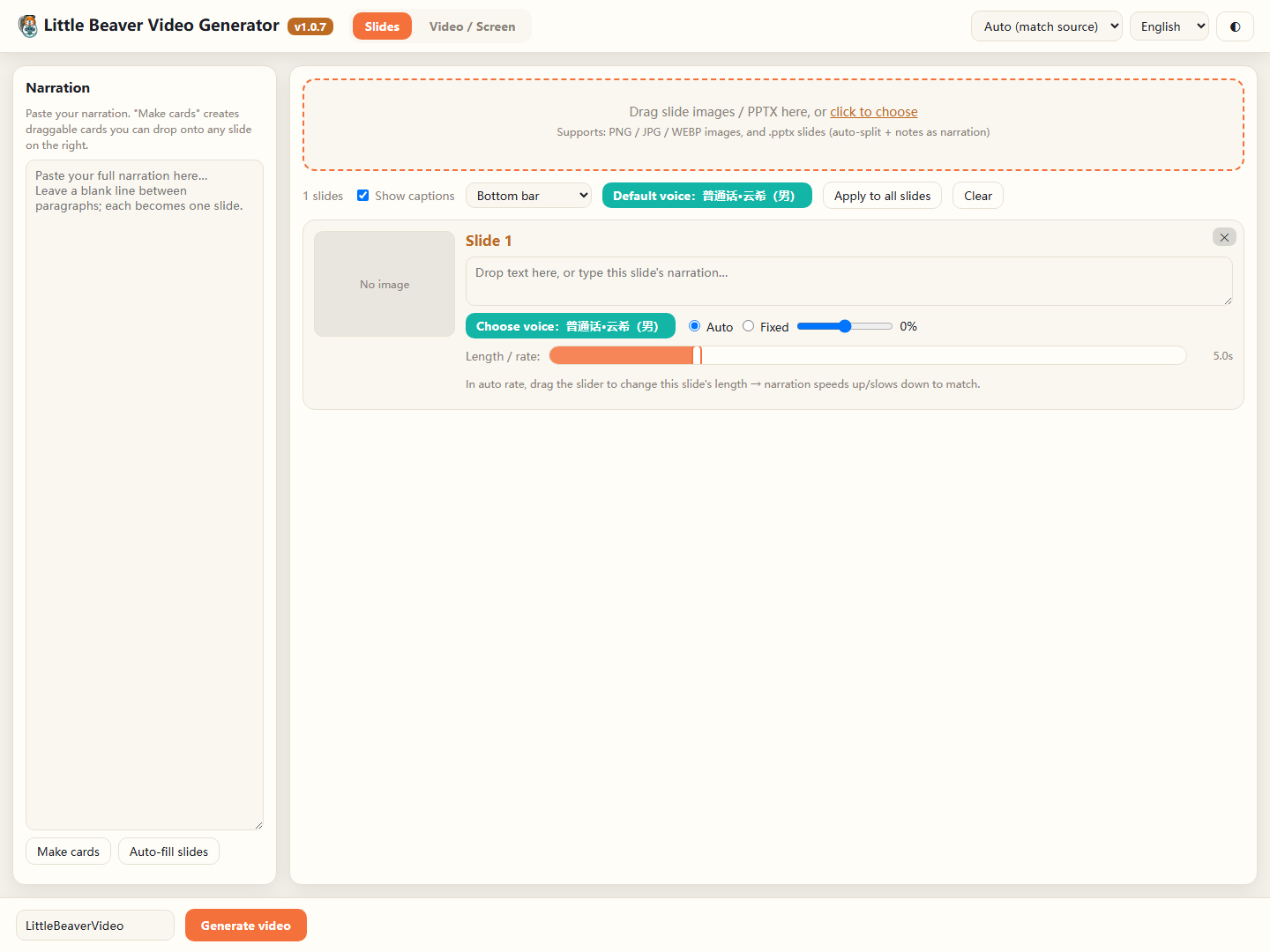
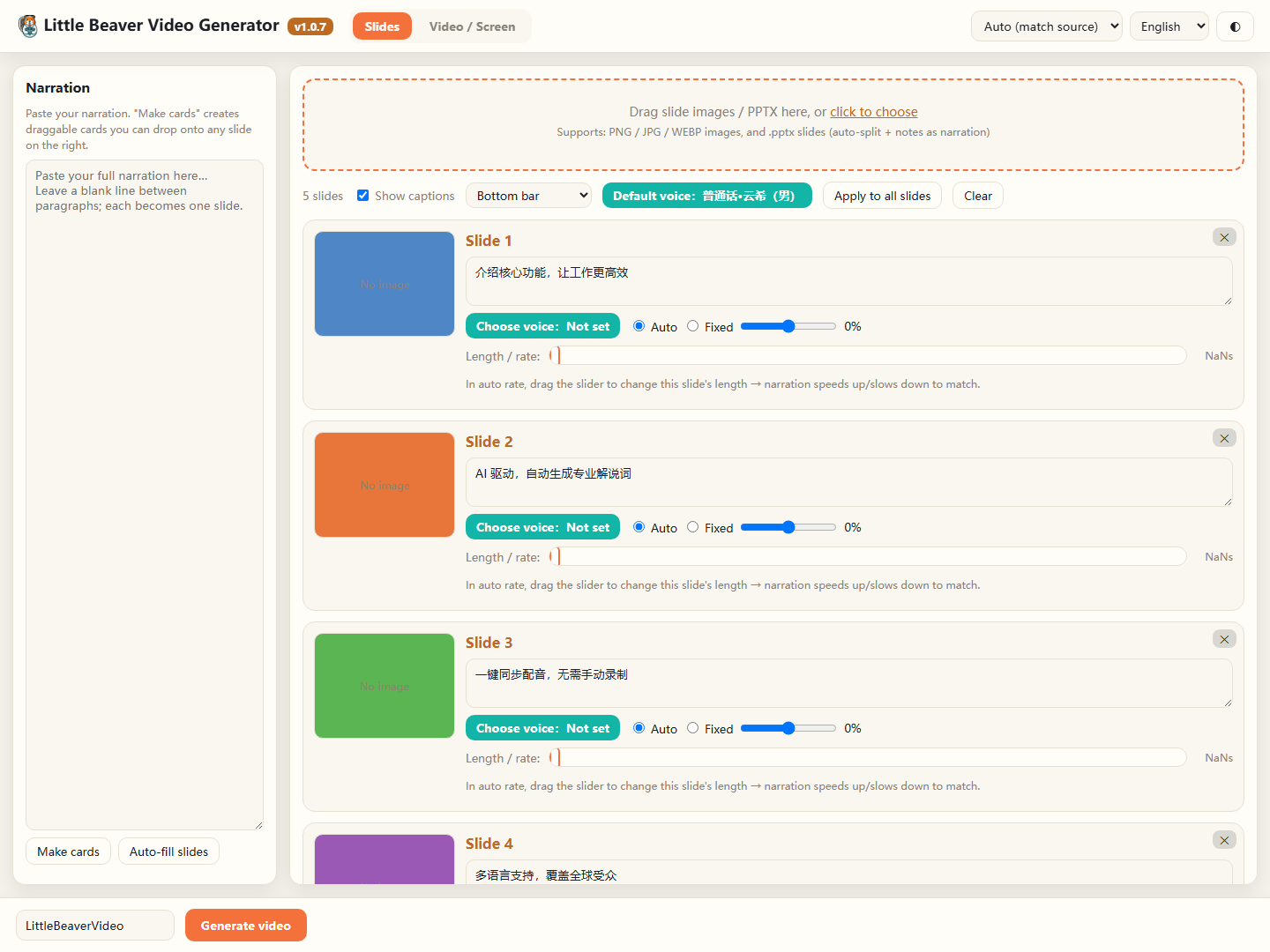
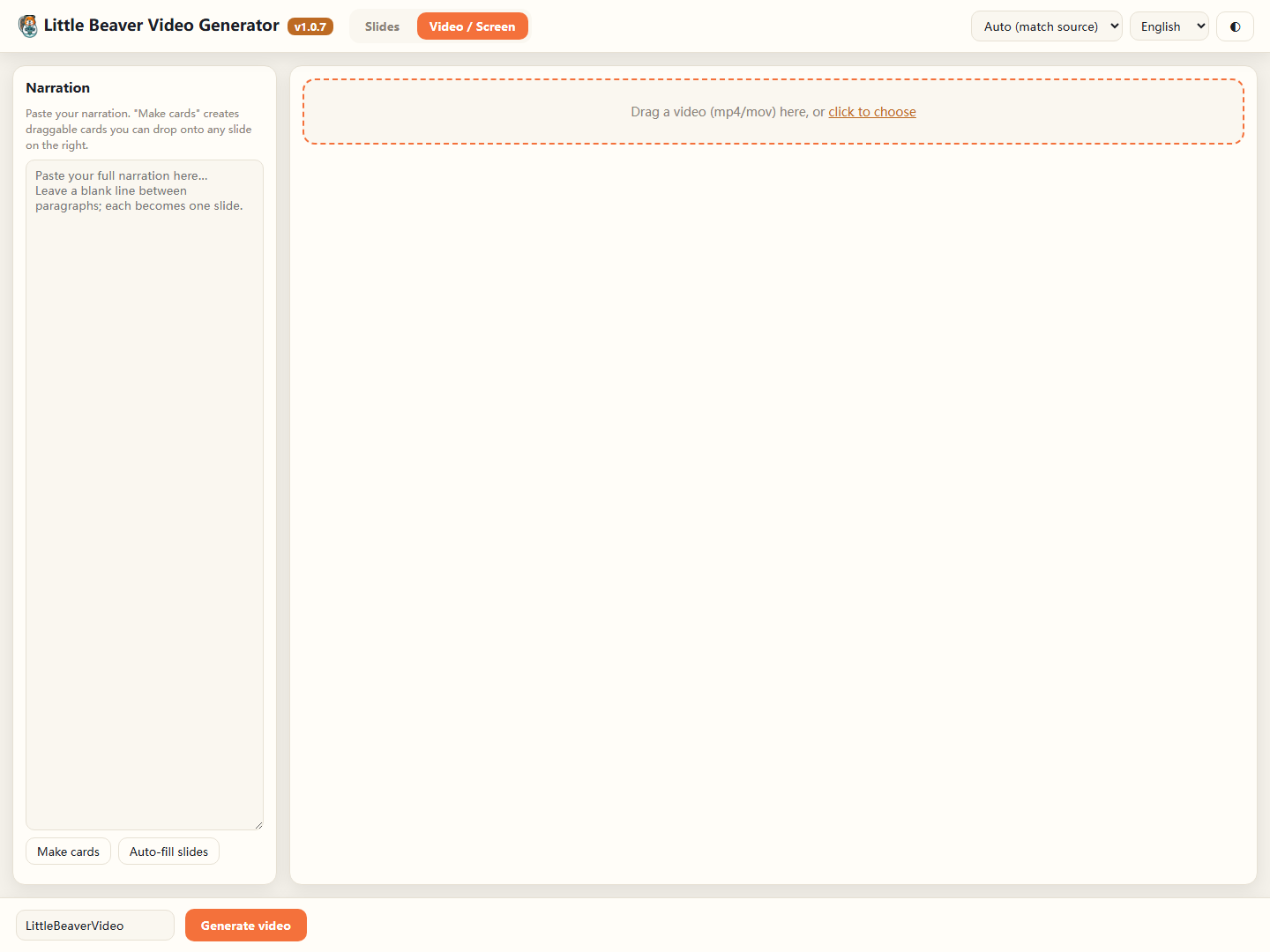
Build a video from images and slides, or layer narration and captions onto footage you already have.
Upload a .pptx and it becomes one image per slide with the speaker notes carried across as narration text.
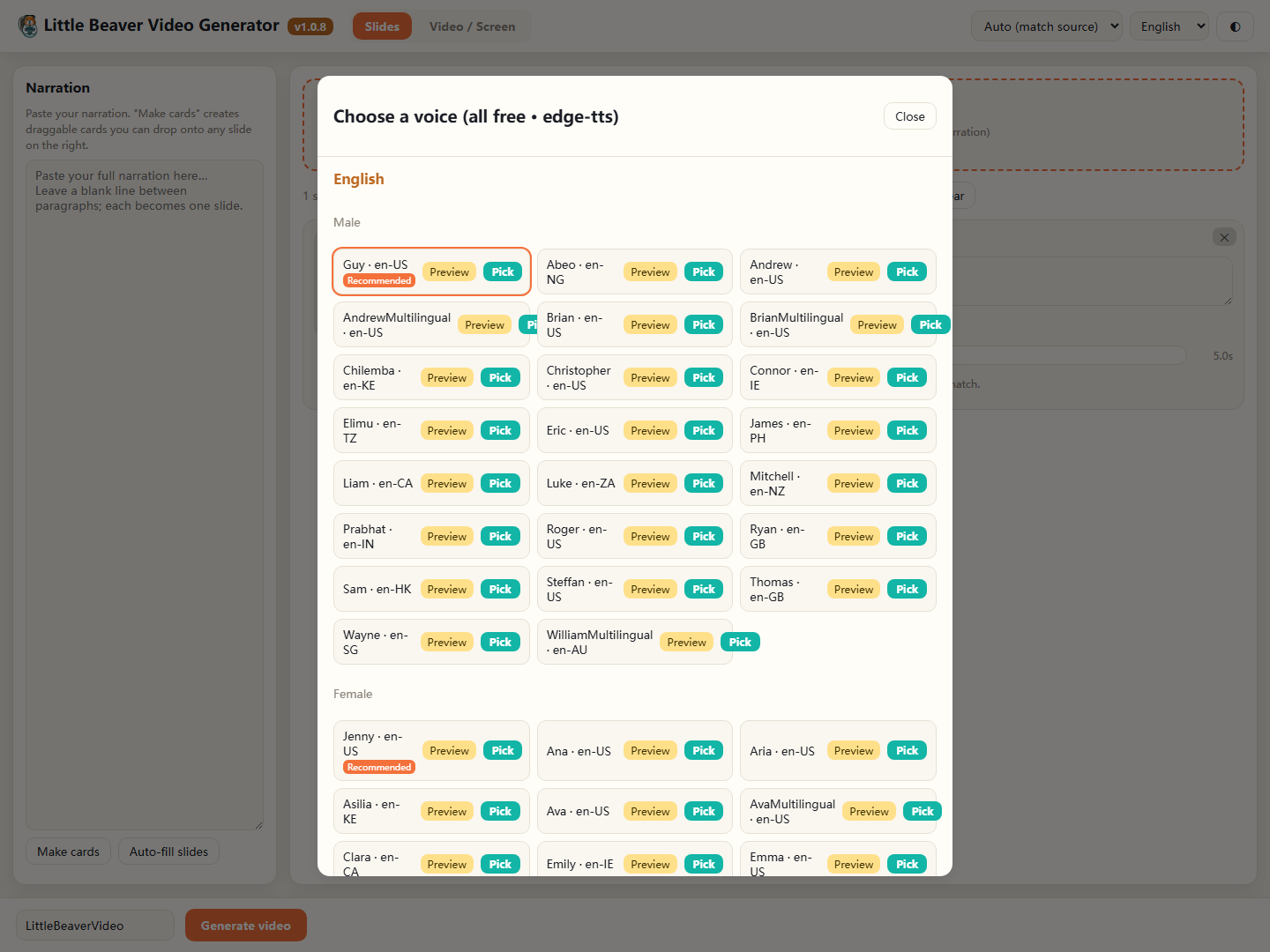
Pick from Microsoft Edge voices grouped by language and gender, with previewing before you commit.
Give a target duration per slide and the narration speed is adjusted to land on it.
Five caption treatments, light and dark themes, and output at 1080p landscape, 720p or 9:16 vertical.
For screen recordings, slide transitions are detected automatically so segments line up without manual scrubbing.
Your images, slides and video files are processed entirely on your machine and are never uploaded. Narration is the exception: the narration text you type is sent to Microsoft's Edge text-to-speech service to generate audio. Media files are never part of that request. If you build a video without narration, the app makes no network requests at all.