


Little Beaver Table Merger
Combine dozens of Excel or CSV files into one, without copy-paste.

A task list that opens the file or page the task is about.
A deliberately plain desktop task list with one idea that makes it different: every task can carry a path. Attach a local file, a folder or a URL, and starting the task means clicking it open. Filtering works like a spreadsheet, and the whole list imports and exports as Excel.
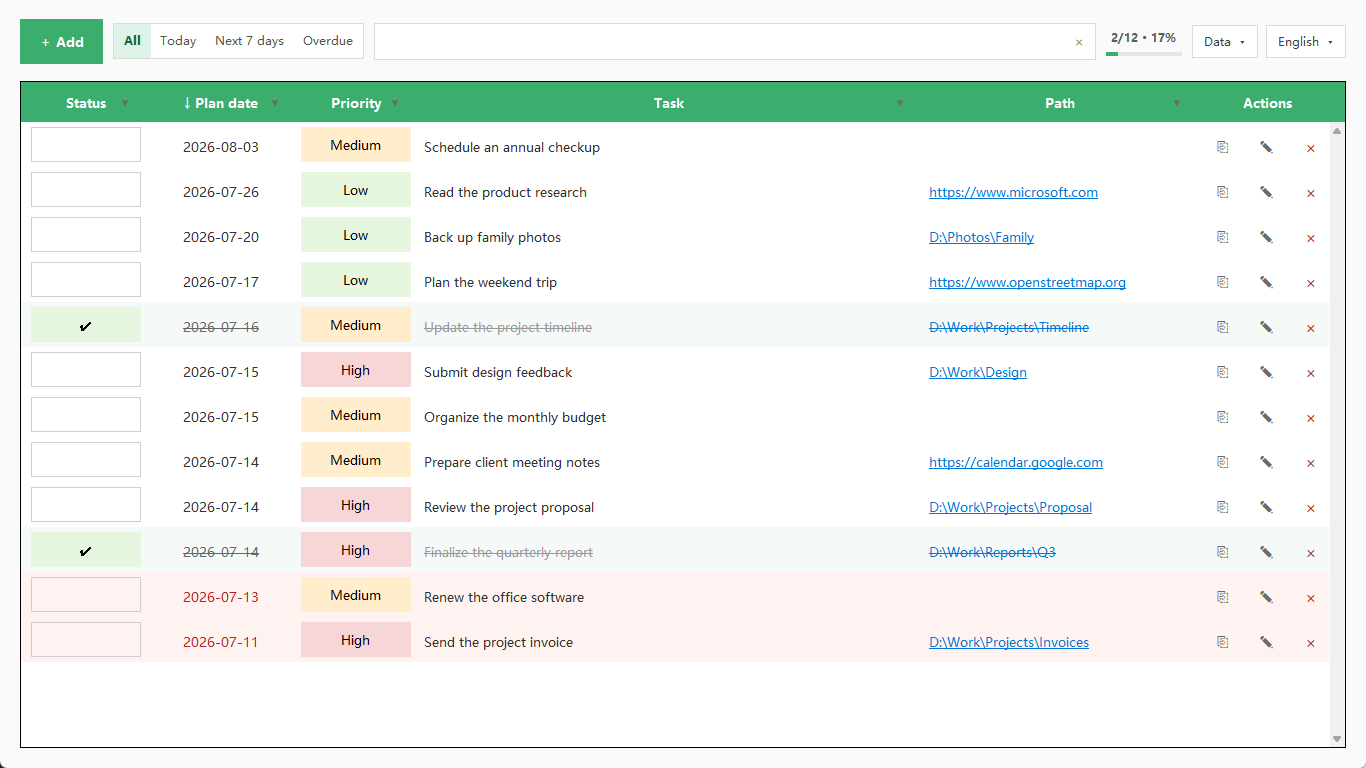
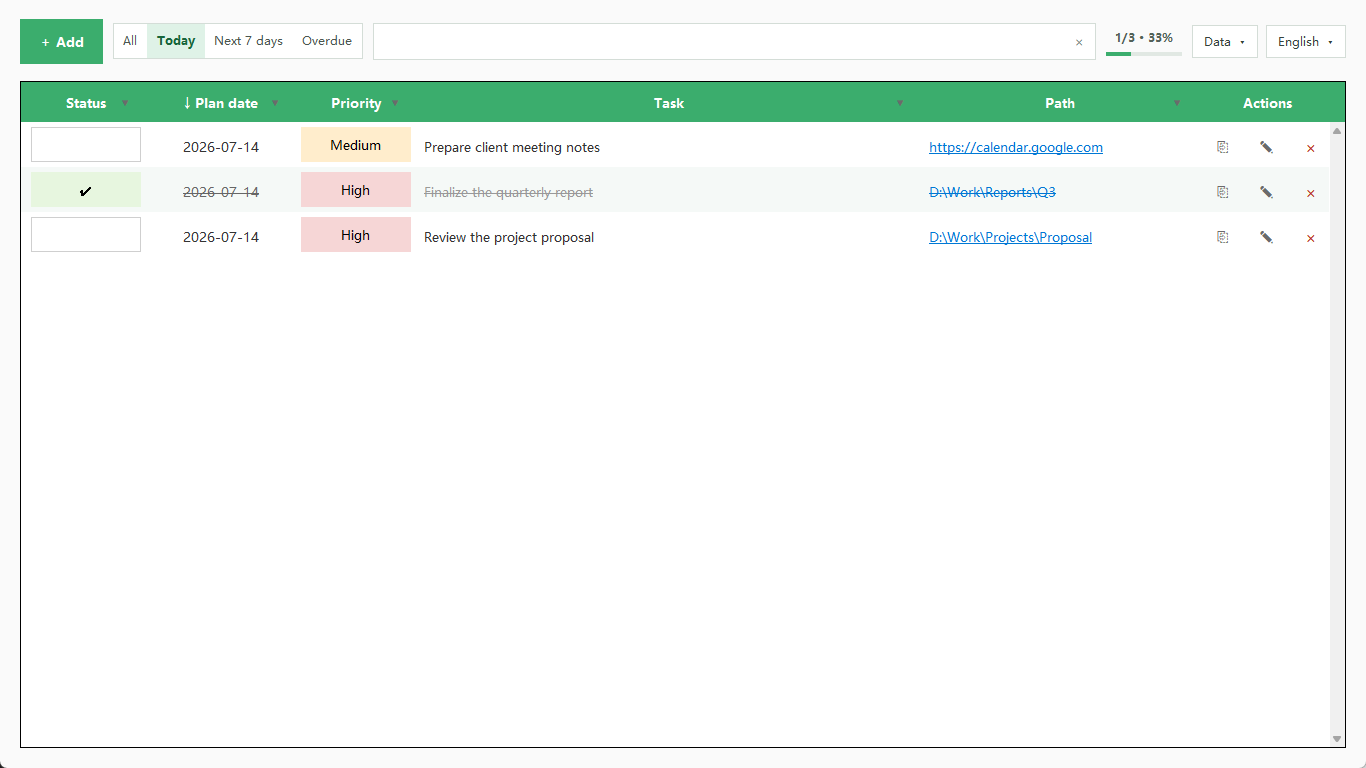
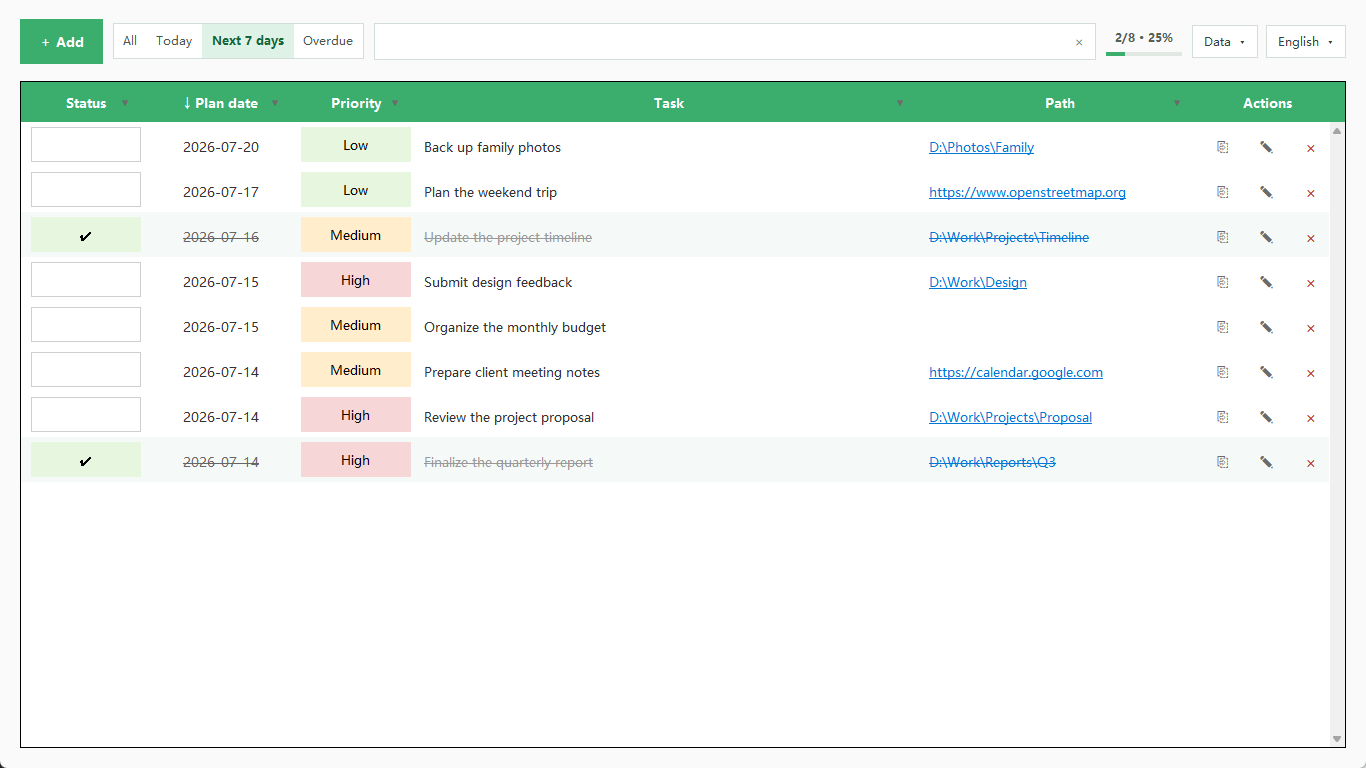
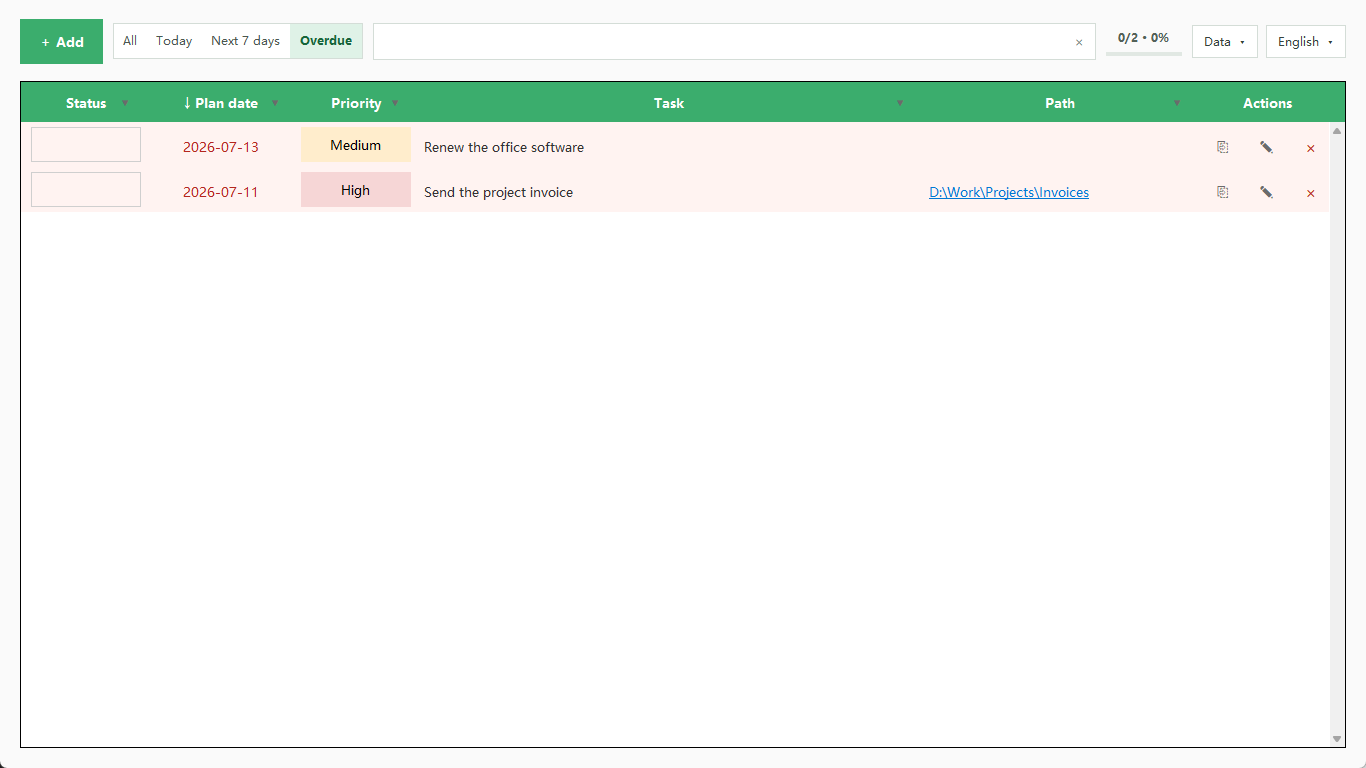
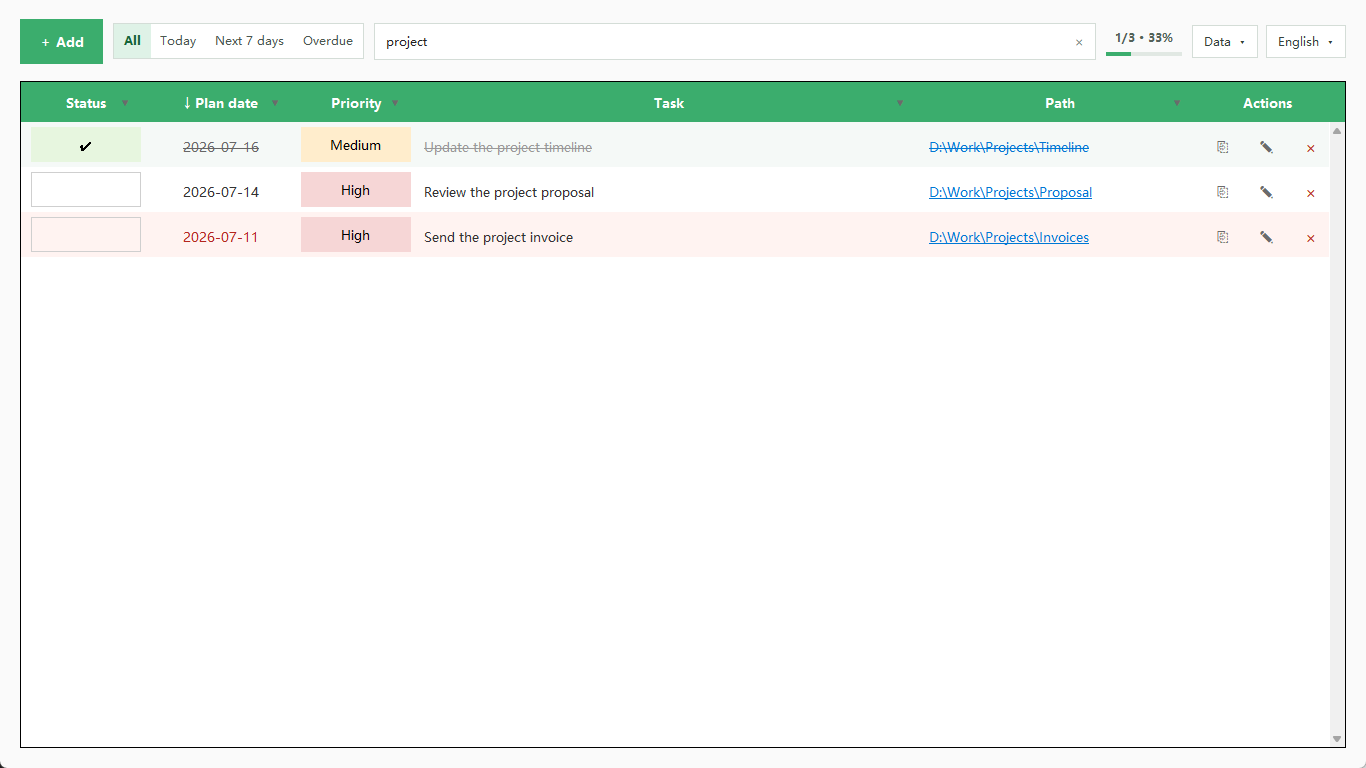
Attach a local file path, folder or web address to a task and launch it straight from the list.
Multi-select dropdown filters on status, priority and date, plus keyword search across task text and paths.
All, Today, Next 7 days and Overdue, with your last filter, sort and search restored on reopen.
Import an existing list from Excel and export the current view back out at any time.
Write a full backup to any location you choose and restore from it later.
Row recycling keeps scrolling smooth on long lists, and text size has three settings.
Fully offline. The app requests no network permission and makes no network calls; the only web addresses involved are ones you attach to your own tasks and choose to open in a browser.