


Little Beaver PDF Editor
Split, merge, rotate, compress and convert PDFs on your own machine.

Combine dozens of Excel or CSV files into one, without copy-paste.
Point it at a folder, choose whether same-named sheets should be stacked together or everything merged into a single sheet, and let it run. Filename wildcards, sheet-name filters, blank-row skipping and de-duplication are all built in, and the settings can be saved as a reusable profile.
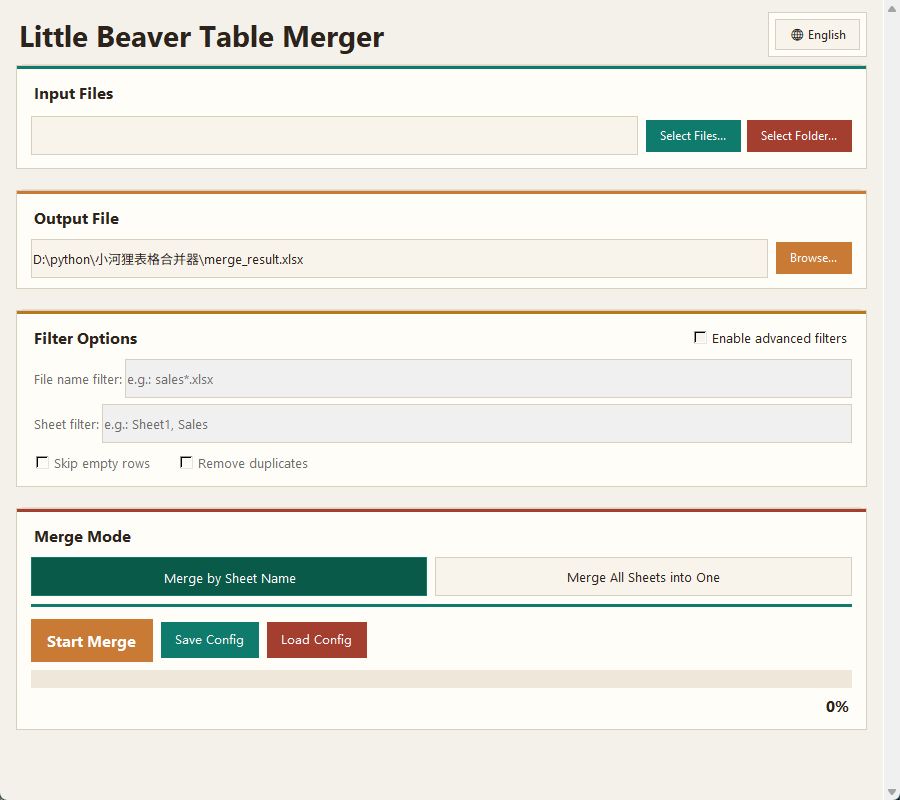
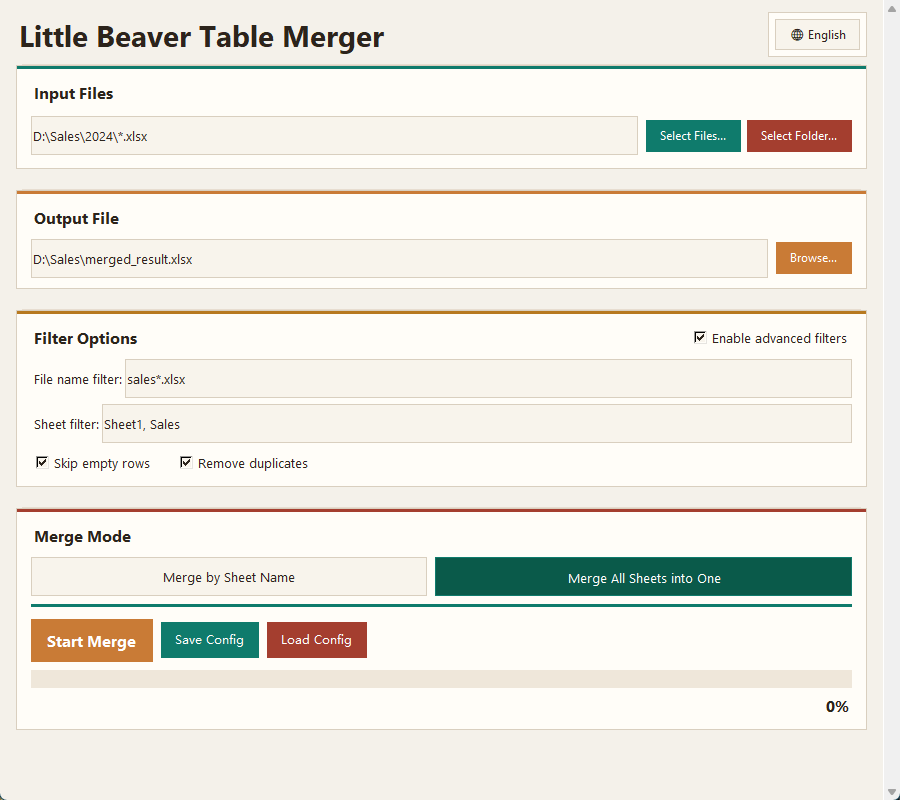
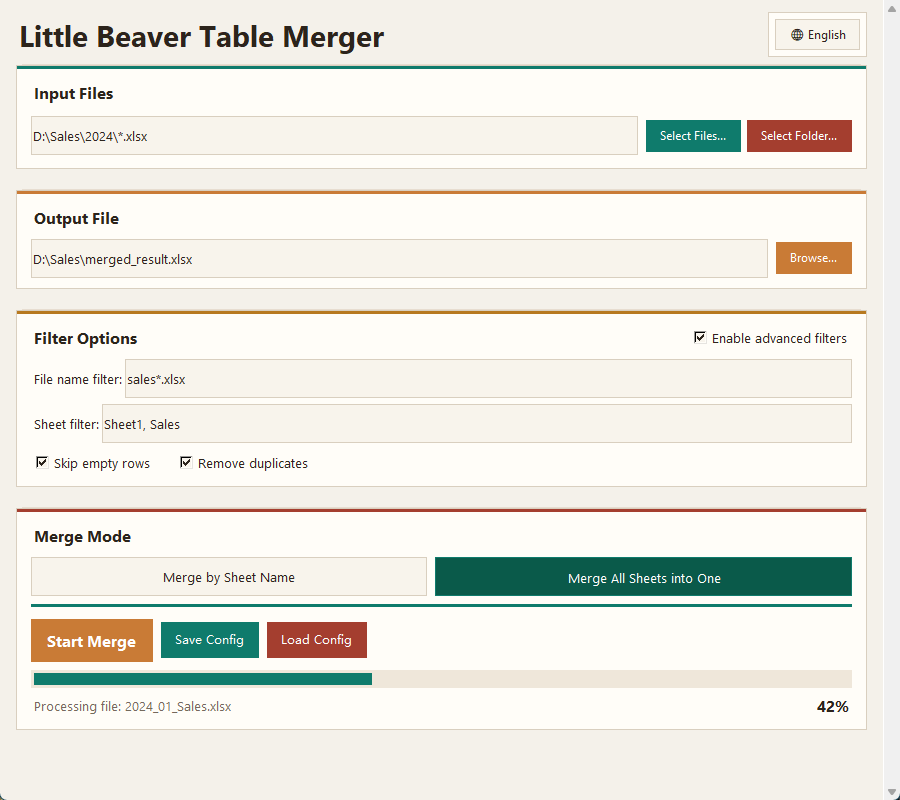
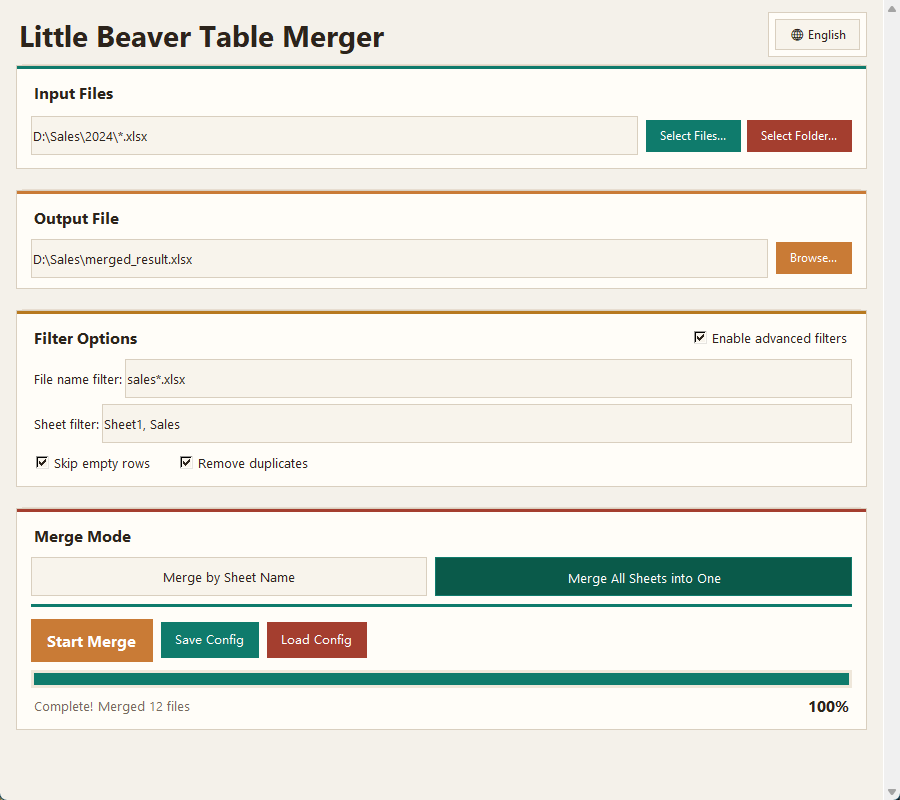
Stack sheets that share a name across files, or flatten every sheet from every file into one table.
Filename wildcards such as sales*.xlsx, a comma-separated list of sheet names, skip-empty-rows and remove-duplicates options.
Save input paths, output path, merge mode and language as a named profile and load it next month in one click.
An added column records which file each row came from, so you can trace anything back after the merge.
Select individual files or hand it an entire folder and let it pick up everything that matches.
Every file is read and written on your own machine. The app makes no network requests at all.